Photo to outline patterns for stencil cutting
A photo to outline pass gives cutter software exactly what it wants: closed major shapes with no fine debris.

Extract the main shapes from any photo into a simple outline with thick contours and minimal clutter. Free, no signup, fully browser-based — try this photo to outline converter on any picture.
Updated September 2026 by the team
Upload a photo to start
Drag and drop a JPG, PNG, or WebP image, or click to browse. Max 15 MB.
You can also paste an image from the clipboard (Ctrl+V / ⌘V).
The same photo, converted with the default settings of this photo to outline converter — only dominant boundaries survive: silhouettes, big shapes, main structure lines.
 Before
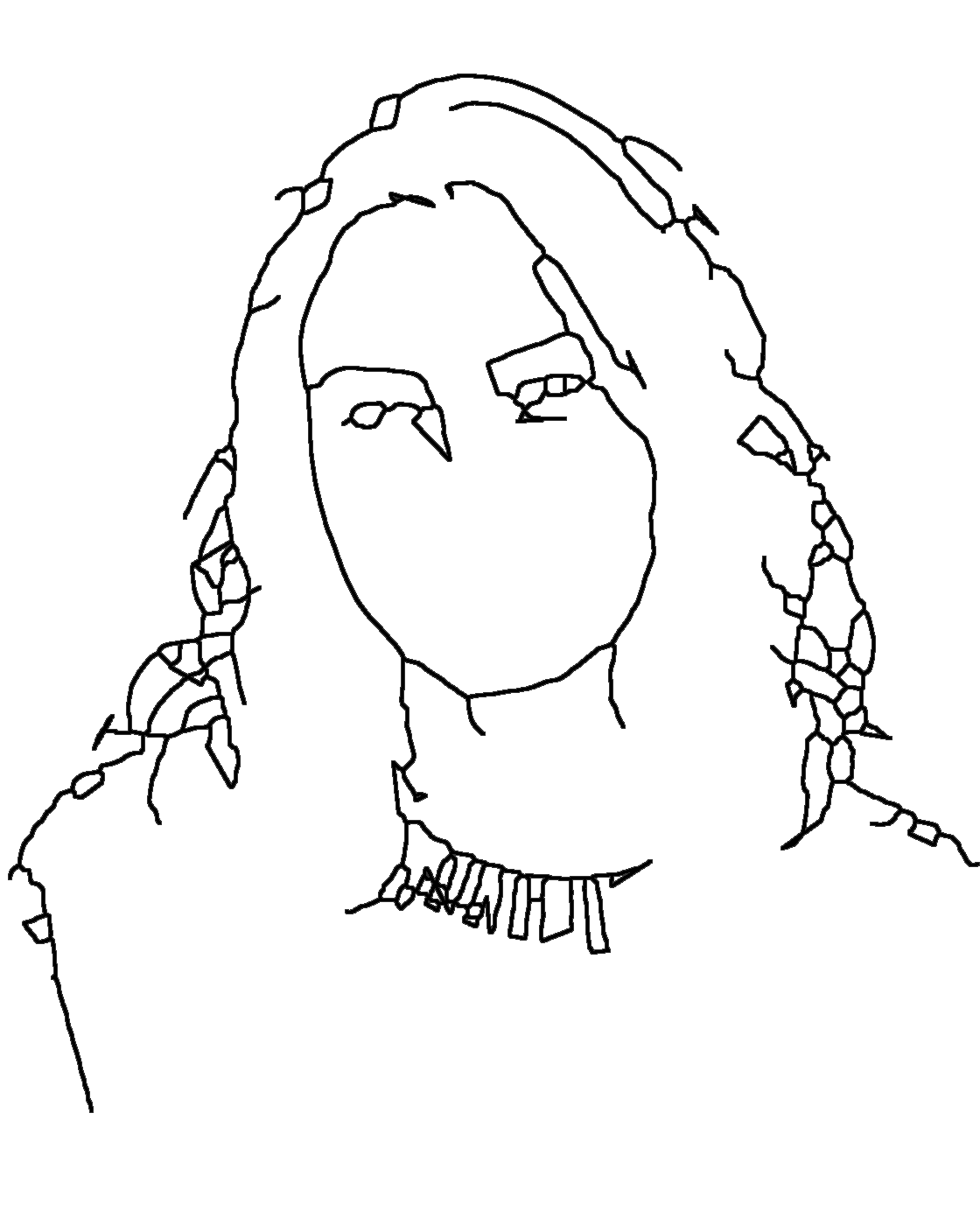 After
AfterFrom photo to minimal contour drawing in three steps.
Choose a JPG, PNG, or WebP image with a clear main subject. The photo to outline engine looks for dominant boundaries, so simple compositions shine.
Outline Detail controls which contours count as major; Line Thickness sets their weight. This is what separates a photo to outline pass from a busy edge dump.
Export a crisp PNG of the main shapes. Use it as a tracing base, a stencil pattern, or a minimal poster element.
The outline mode keeps only major contours: the silhouette of a face, the roofline of a building, the boundary between subject and background. Texture, hair strands, shadows, and small interior edges are deliberately removed, which is why an outline reads instantly even at thumbnail size.
The engine analyzes the photo at a large structure scale before it commits lines, then deletes every small fragment that survives the pass. The result of a photo to outline conversion is typically a tenth the line count of a full line drawing — quiet, bold, and iconic.
Because the output is so reduced, outlines pair well with other styles: trace the outline first, then add detail from the line drawing or sketch version of the same photo. The photo to outline pass is the quietest of the five tools on this site.
“Contour drawing is an art technique in which the artist sketches the style of the subject by drawing lines that result in a drawing that is essentially an outline.”
Minimal contour output is made for recognition, tracing, and stencils.
A photo to outline pass gives cutter software exactly what it wants: closed major shapes with no fine debris.
Beginners trace the few big curves of an outline to train proportion before tackling detail.
The bold silhouette style of photo to outline output suits posters, stickers, and icon-style logo studies — minimal art is everywhere right now.
Toddlers need fewer, larger regions — an outline is a coloring page with training wheels.
Drop an outline next to a photo in slides to show the key shape without visual noise.
Craft patterns transfer best when only the main contours are present — the photo to outline mode provides exactly that.
It means extracting the main contours and big shapes from a photo — the opposite of fine detail. This photo to outline converter keeps silhouettes and structure lines only. If you need interior detail too, the line drawing tool fits better.
Yes, free with no signup and no watermark. Conversions are unlimited and run entirely in your browser.
By design. The photo to outline engine removes everything except dominant boundaries. Raise Outline Detail if you want a few more interior lines.
That is a different effect (a sticker border). This photo to outline tool extracts contours from regular photos instead.
Yes — processing happens on your device and nothing is uploaded, stored, or logged.
Subjects on plain, uncluttered backgrounds: a single person, one pet, one building. Busy scenes produce fragmented outlines.
Yes. The Line Thickness slider goes up to a stencil-grade weight, and the photo to outline engine keeps strokes smooth at every width.
Around 2 seconds for the live preview. Each photo to outline pass accepts files up to 15 MB, exports PNGs at up to 4096 px, and runs entirely in your browser.